
Where do I find my products?
Your products are located in your Aero admin console.
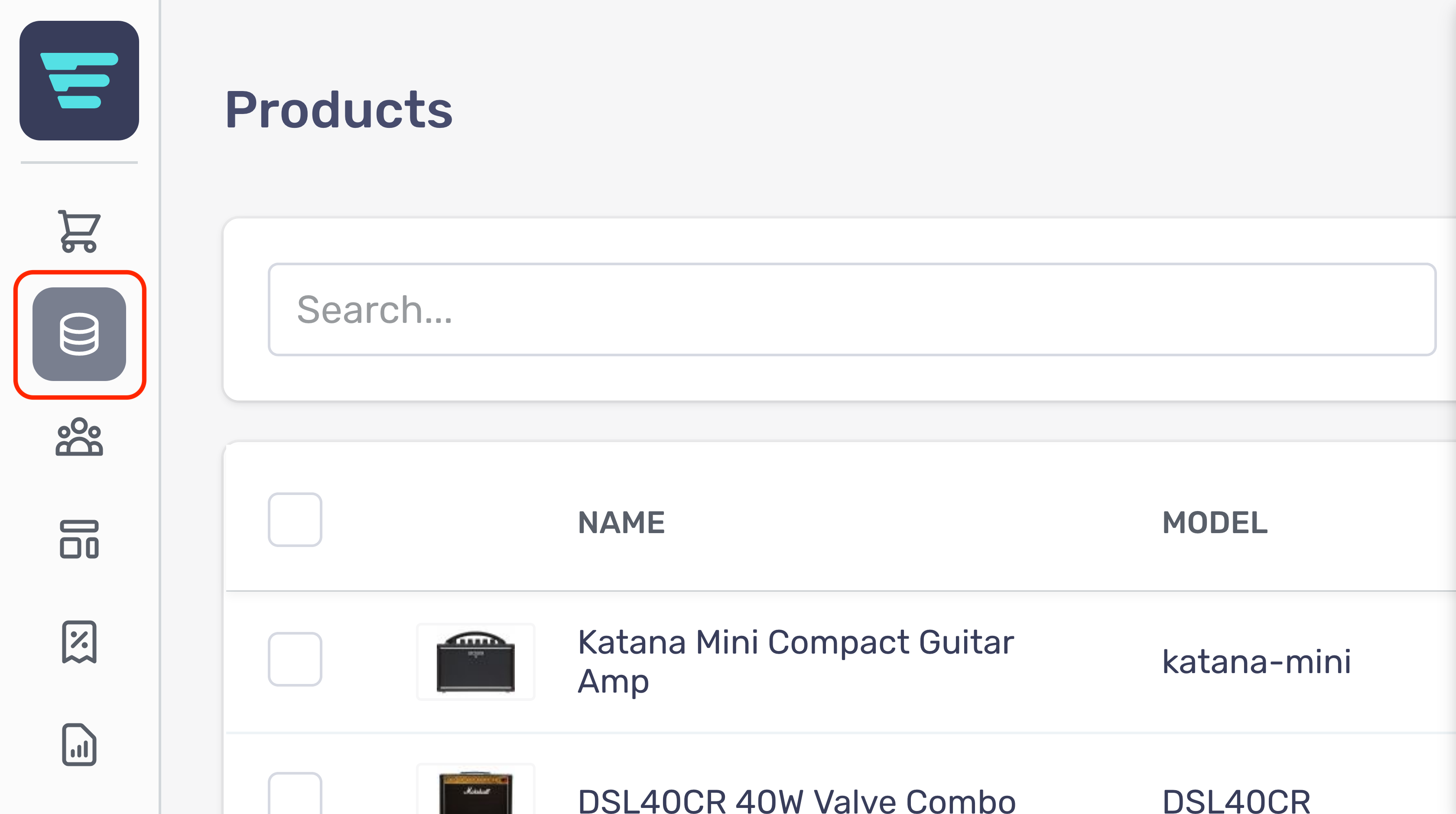
- Step 1 - Hover over the Catalog Management button in the left hand menu

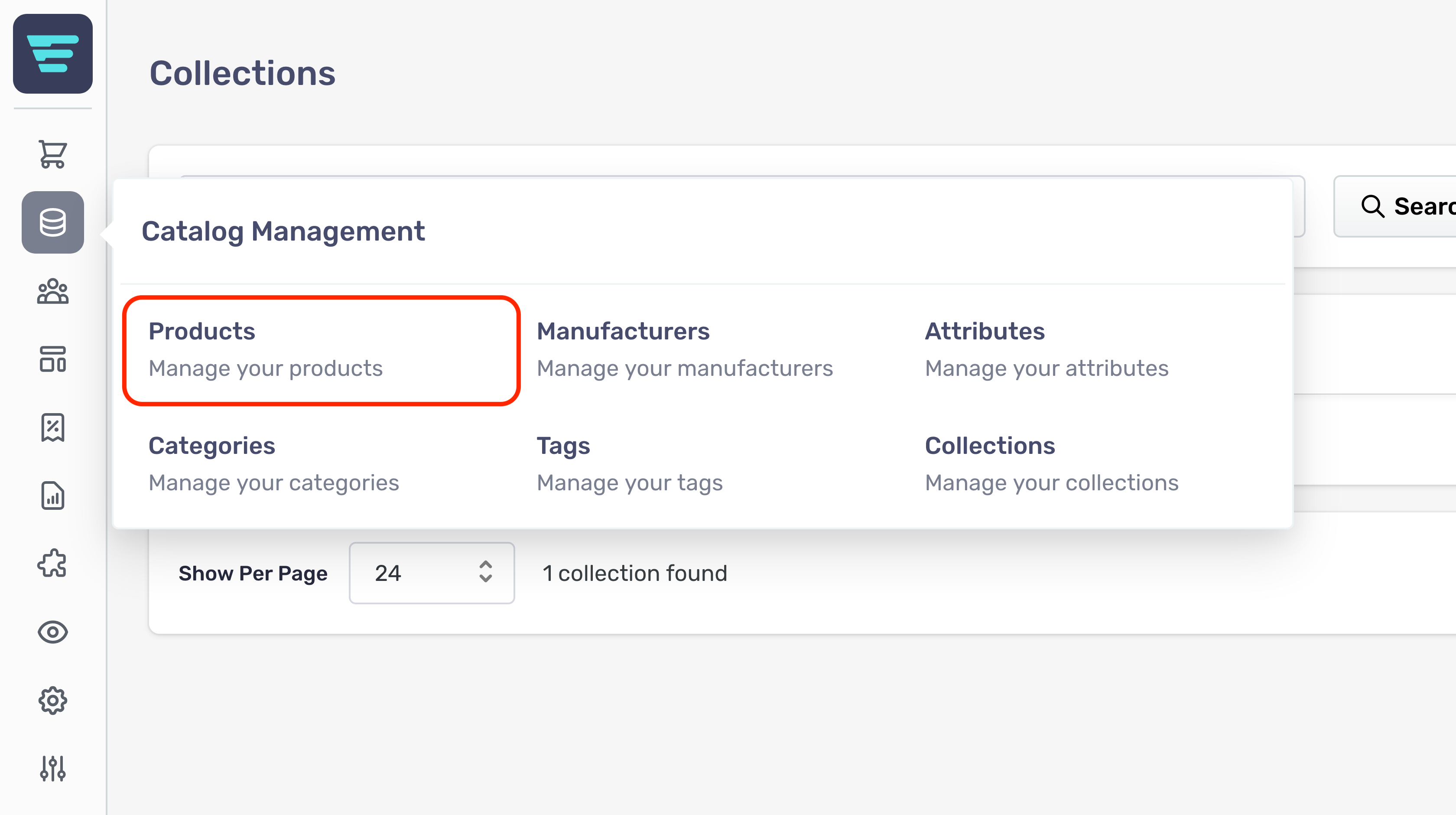
- Step 2 - Select Products from the Catalog Management menu

Your products are located in your Aero admin console.