How do I view a product in the storefront?
You can easily view a product on the storefront.
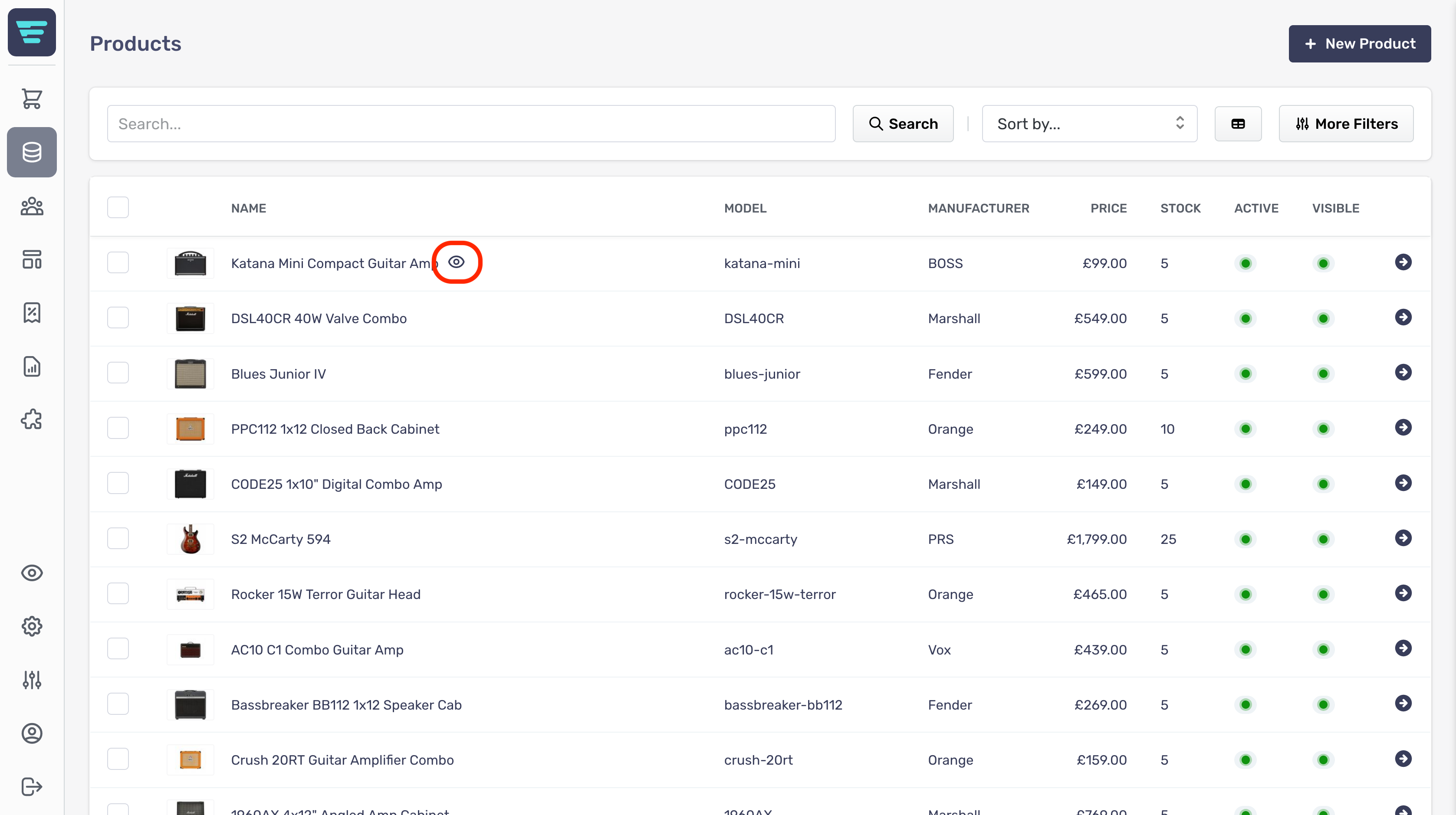
- Step 1 - Hover over the product line in your product list, an eye icon will appear to the right of the product name.

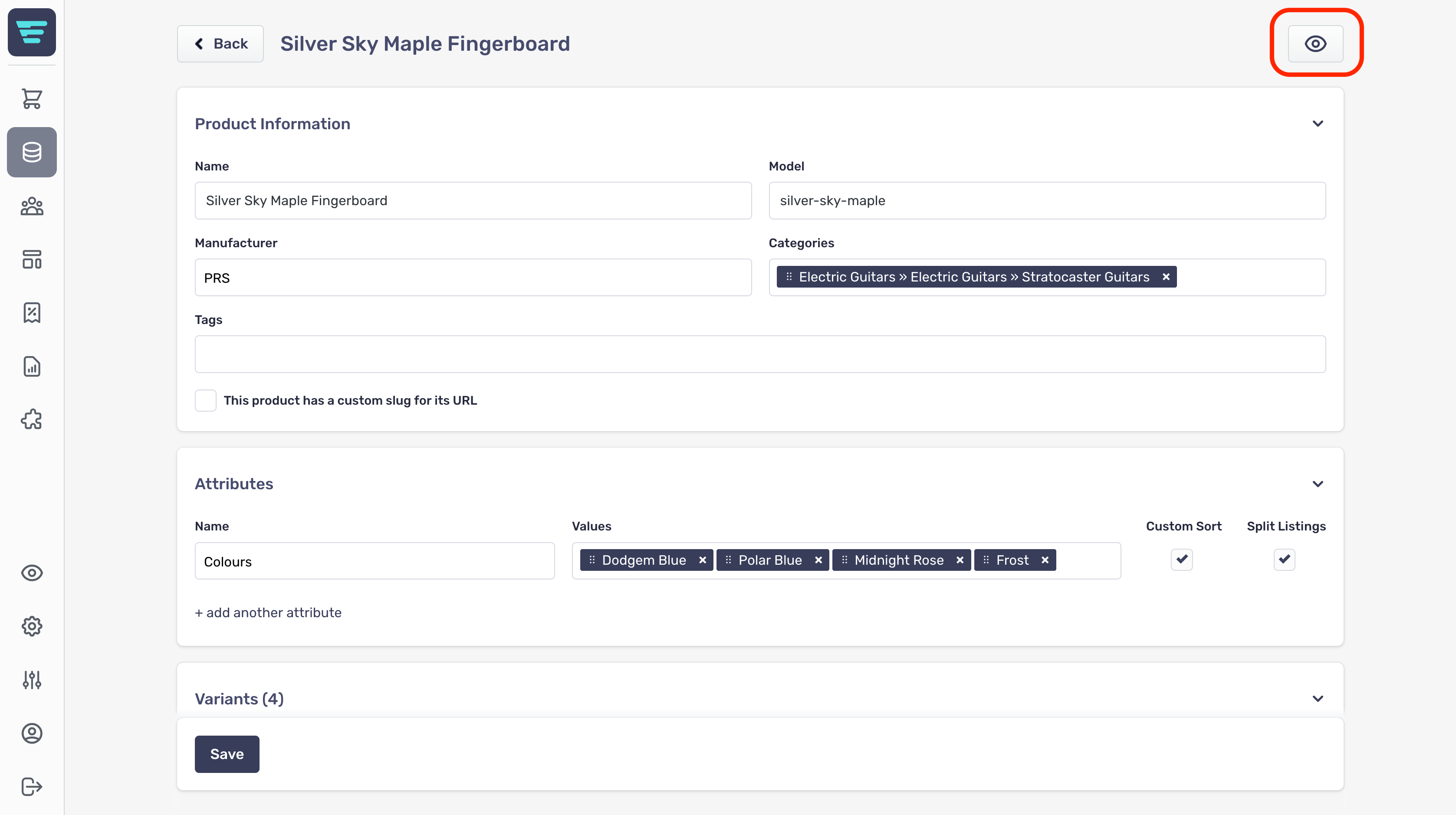
- Step 2 - Click this and a new browser window will open showing the product on your storefront - Alternatively you can click the same icon from the product edit page;