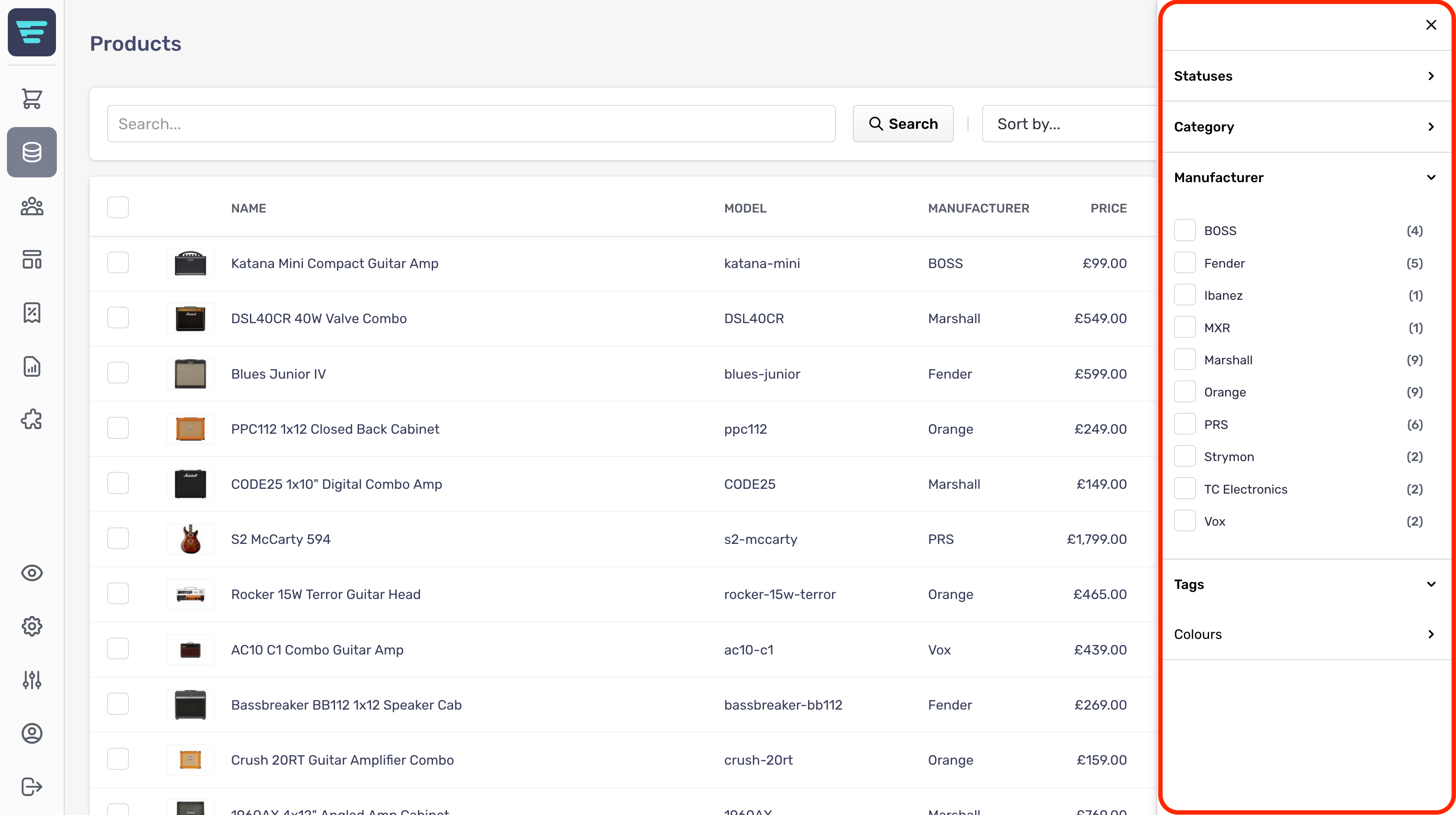
How do I search my products?
Within your Aero admin console, your main product screen allows easy searching of all products.

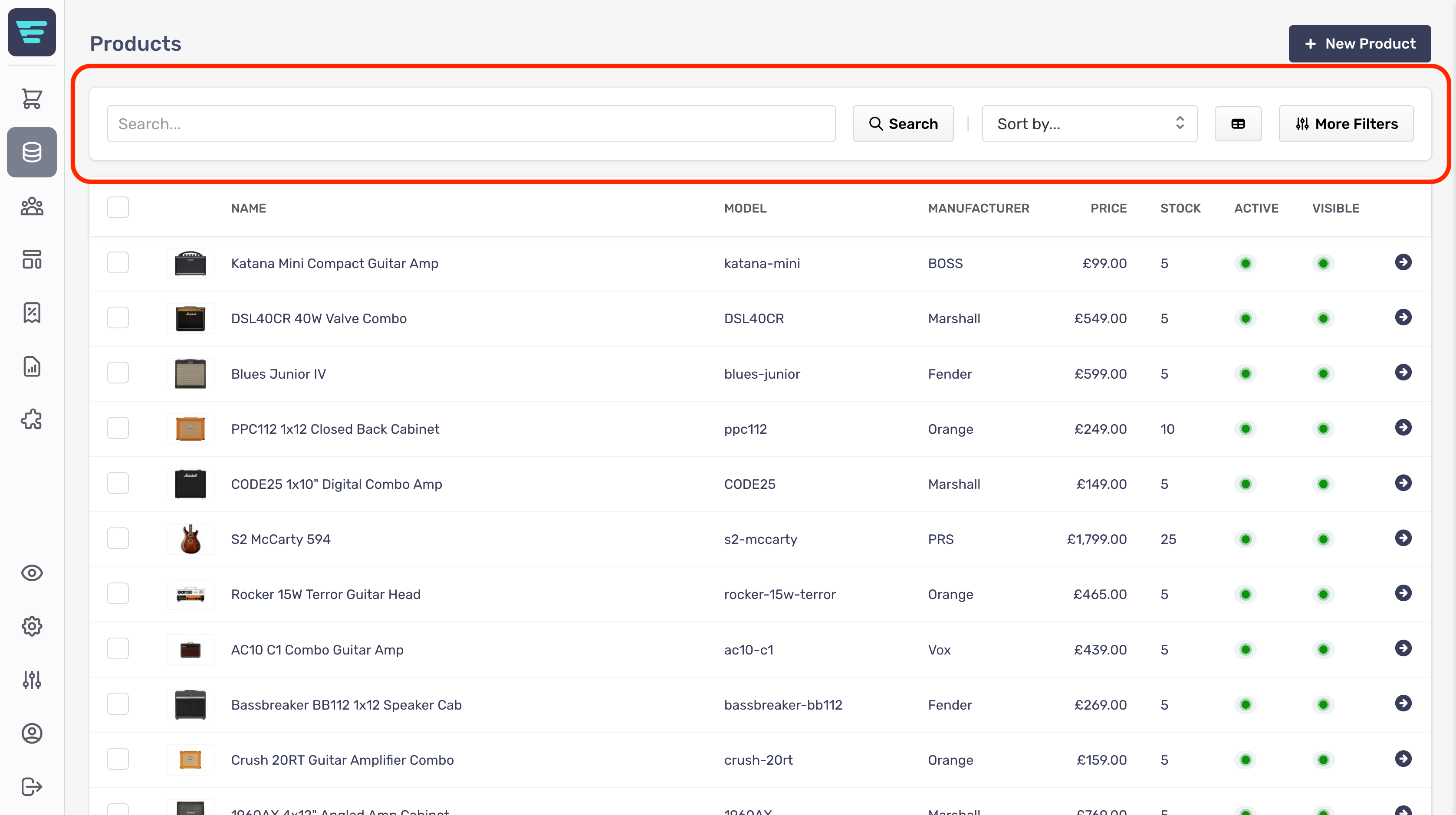
Search filters
Search filters are shown below your search criteria. These allow you to search products by product markers.
You can choose whether specific markers will be included in the displayed filters. This is done within the specific product markers page, e.g. within a paricular tag or category.