How do I create a new tag group?
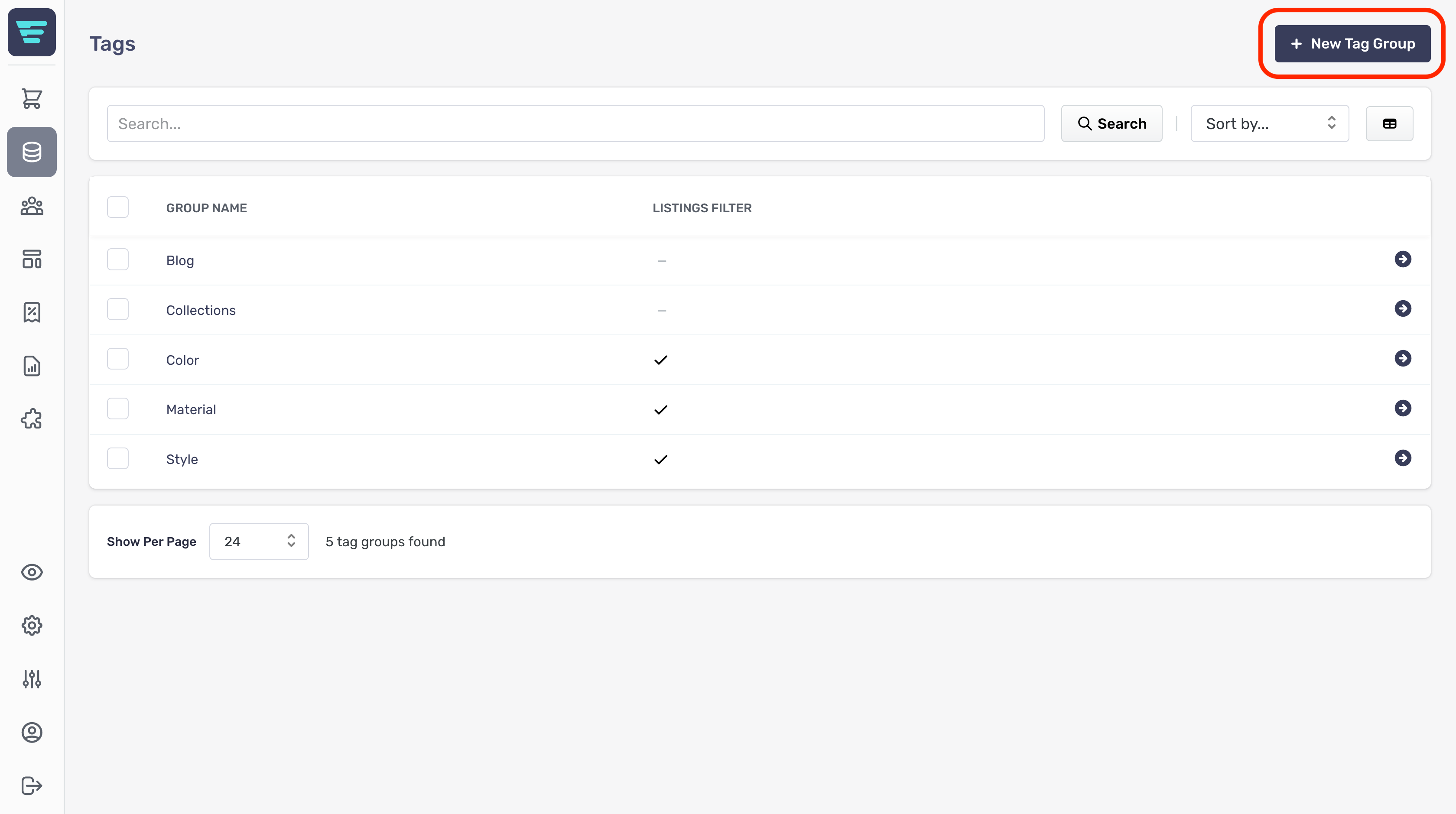
In order to create a new attribute group first navigate to the tags listings page and click the "+ New Tag Group" button at the top of the page.
From here you will be presented with the form for creating a new tag group.
The form is grouped into sections with non-required sections collapsed.
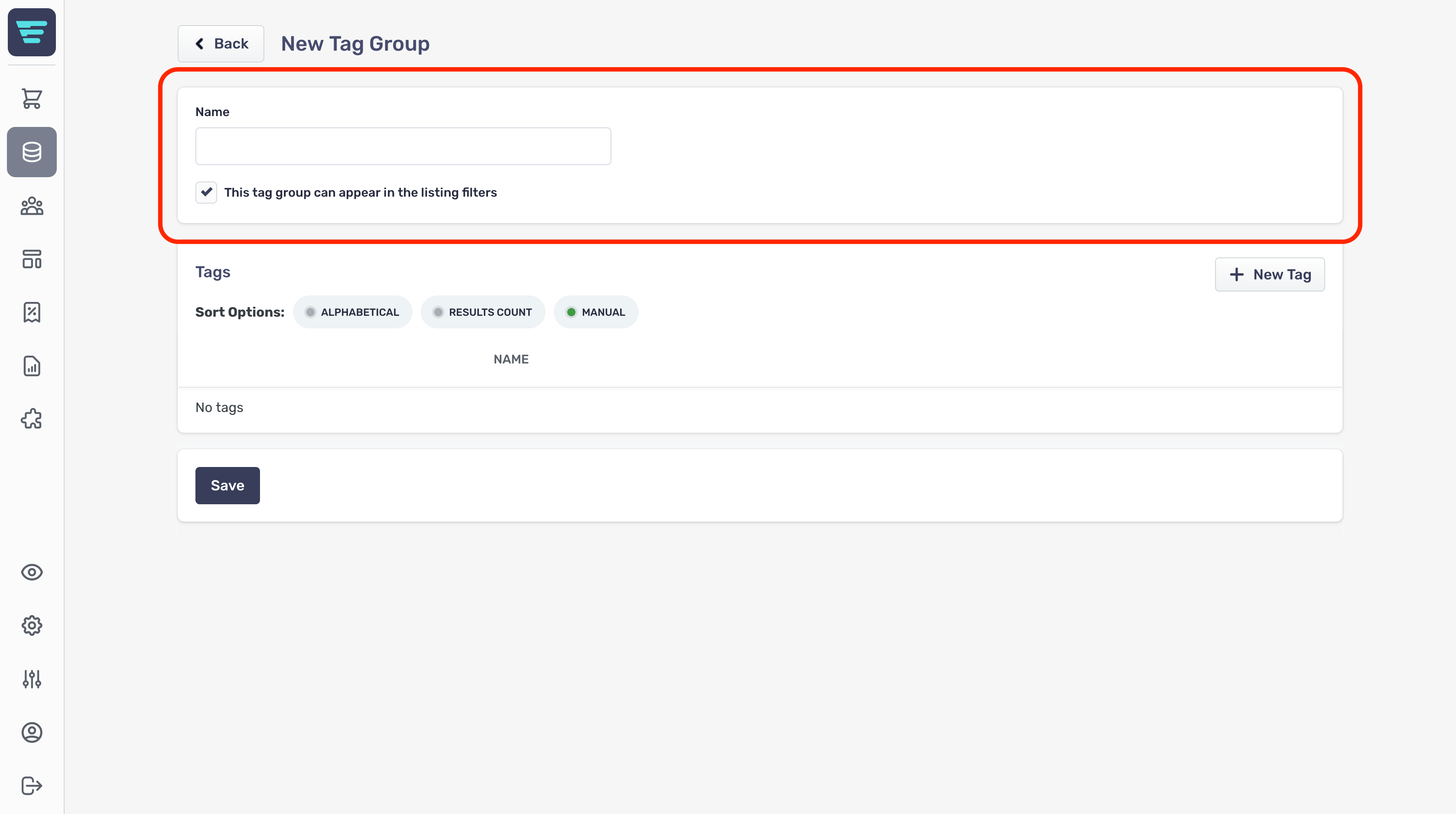
Tag Group Information
First up is the group information;
- Tag Group Name- The name of your group (e.g colours) - This tag group can appear in the listing filters- Select whether to include your tag in your customer's listing filters using the checkbox
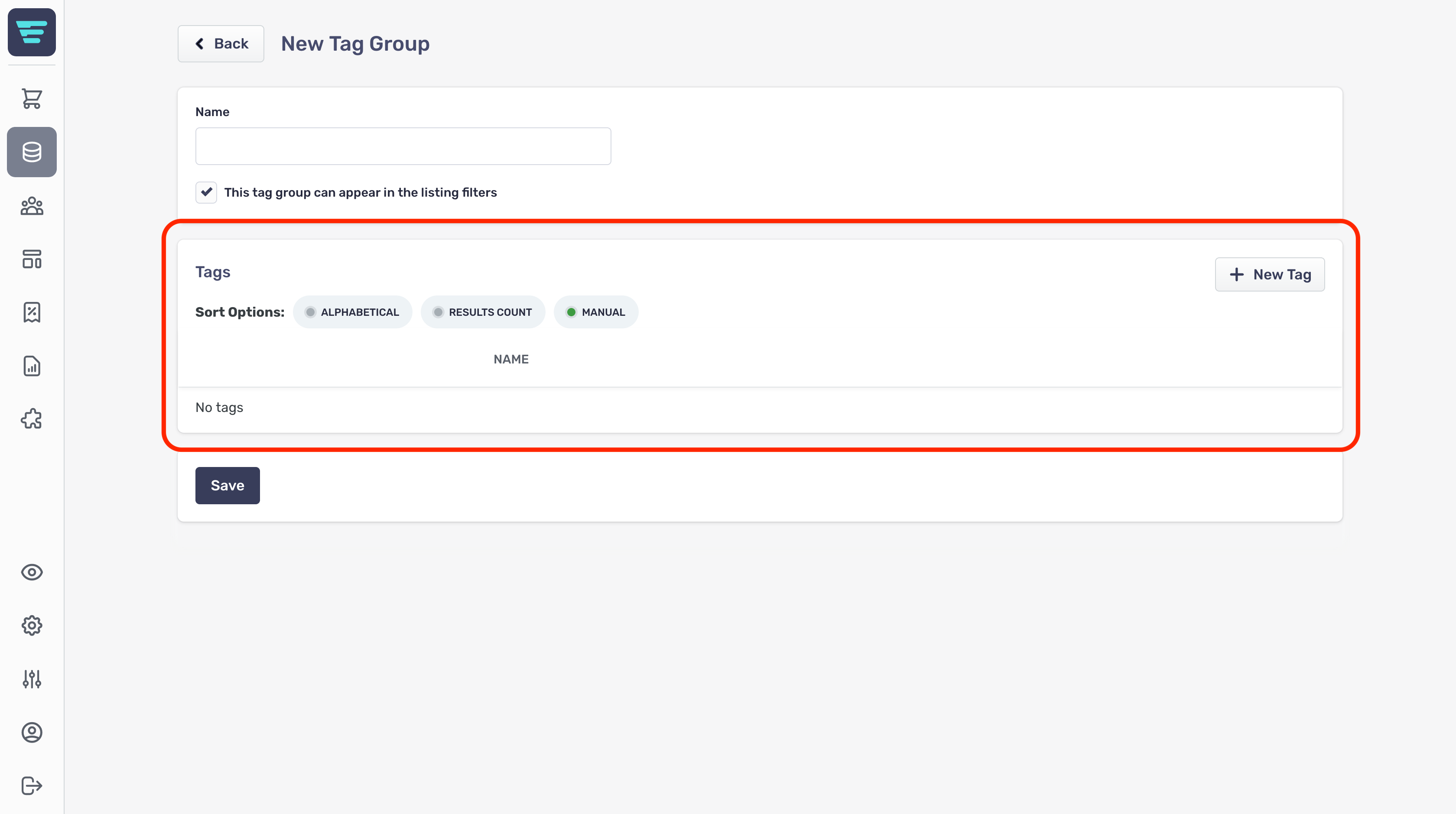
Tags