What are combinations?
Within Aero, Combinations allow you to change the way certain listings pages appear.
When filtered by specified criteria, your storefront will display distinct Combination pages. These pages will have a specific title, SEO and images.
Combination criteria
Combinations are made by combining a mix of the following criteria:
- Collections - Categories - Manufacturers - Tags
An example Combination
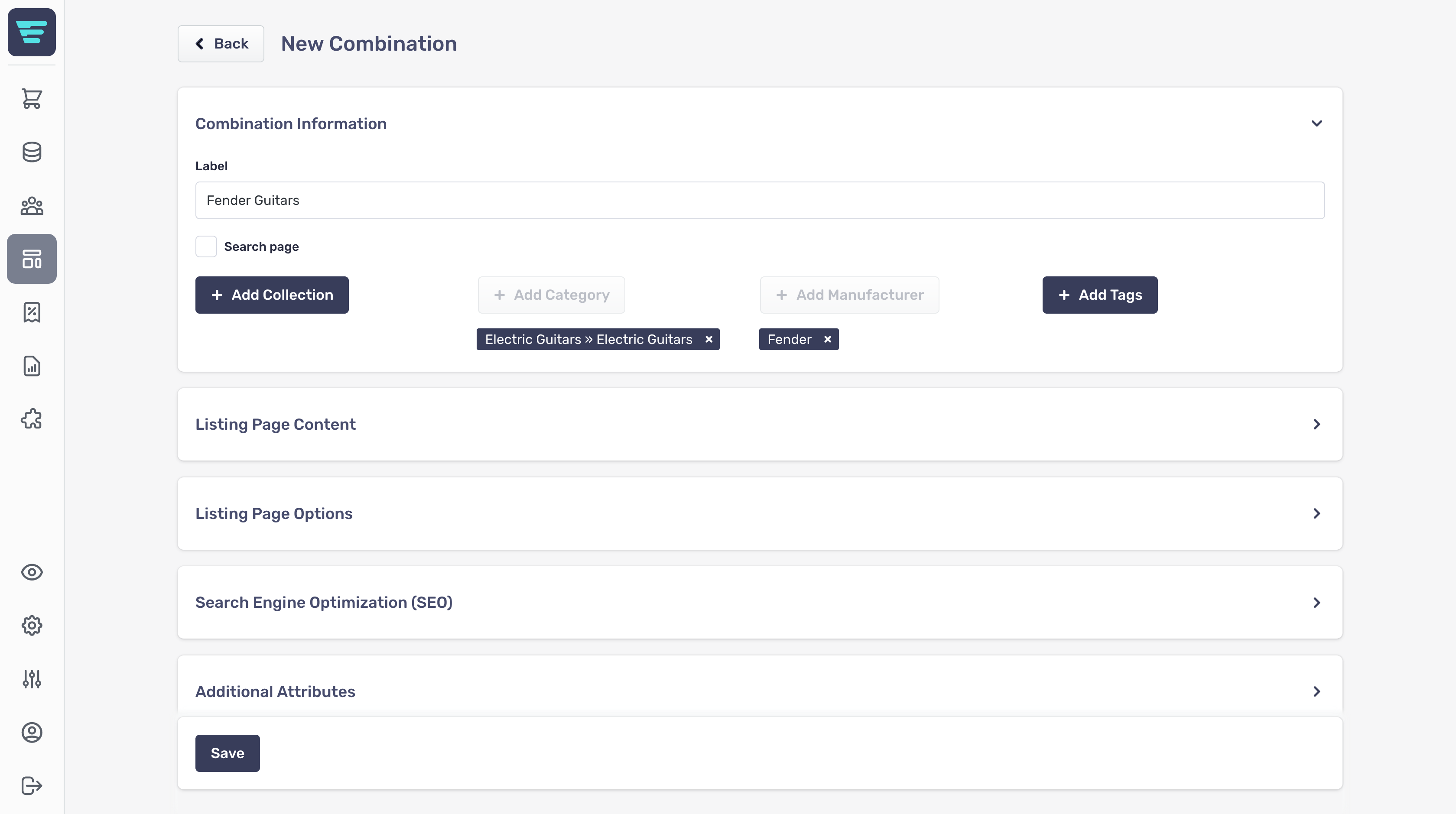
For example, you could combine the following if you wanted to create a specific listings page for Fender Electric Guitars:
- Category: Electric Guitars - Manufacturer: Fender