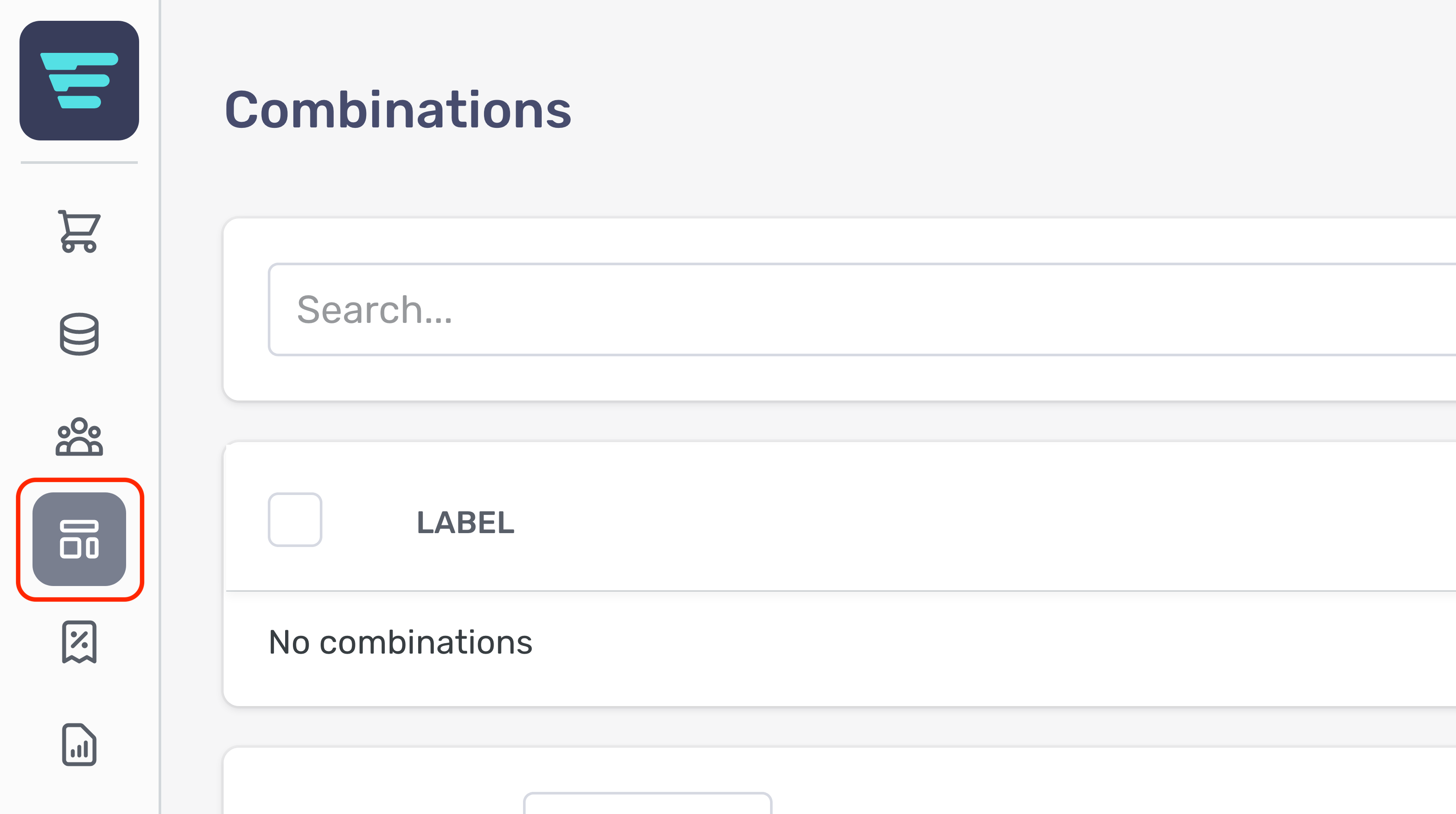
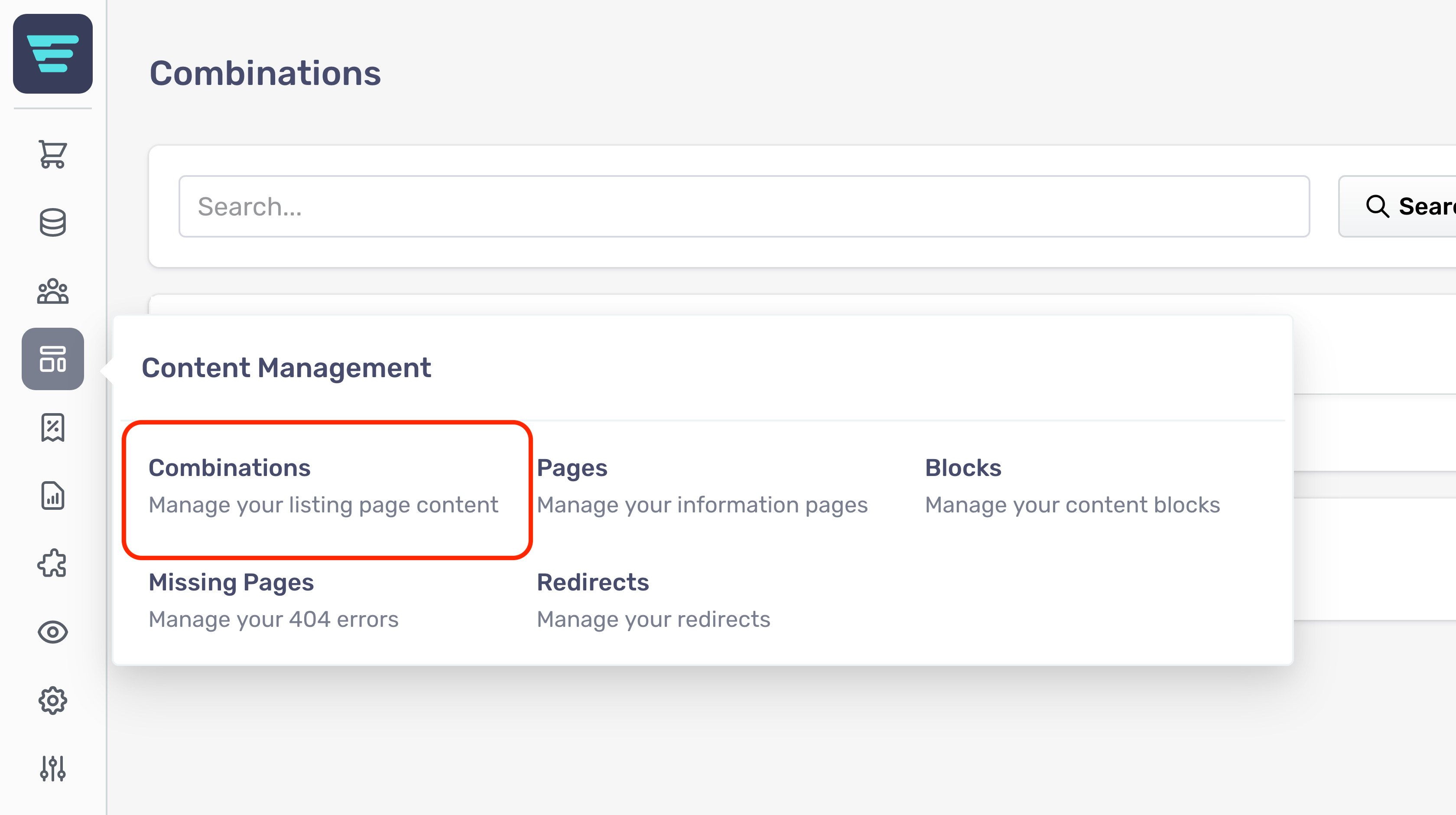
Step 1 - Login to your Aero Admin Console - Step 2 - Hover over the 'Content Management' icon in the left hand menu
Step 3 - Click on 'Combinations'
Step 4 - Search for the Combination you would like to edit (more information here; "How do I search my combinations? - Step 5 - Click on the Combination arrow icon - Step 6 - Edit or enter the necessary information for your Combination - (more information here; "How do I create a new combination? - Step 7 - Click the 'Save' button in the bottom left of your screen