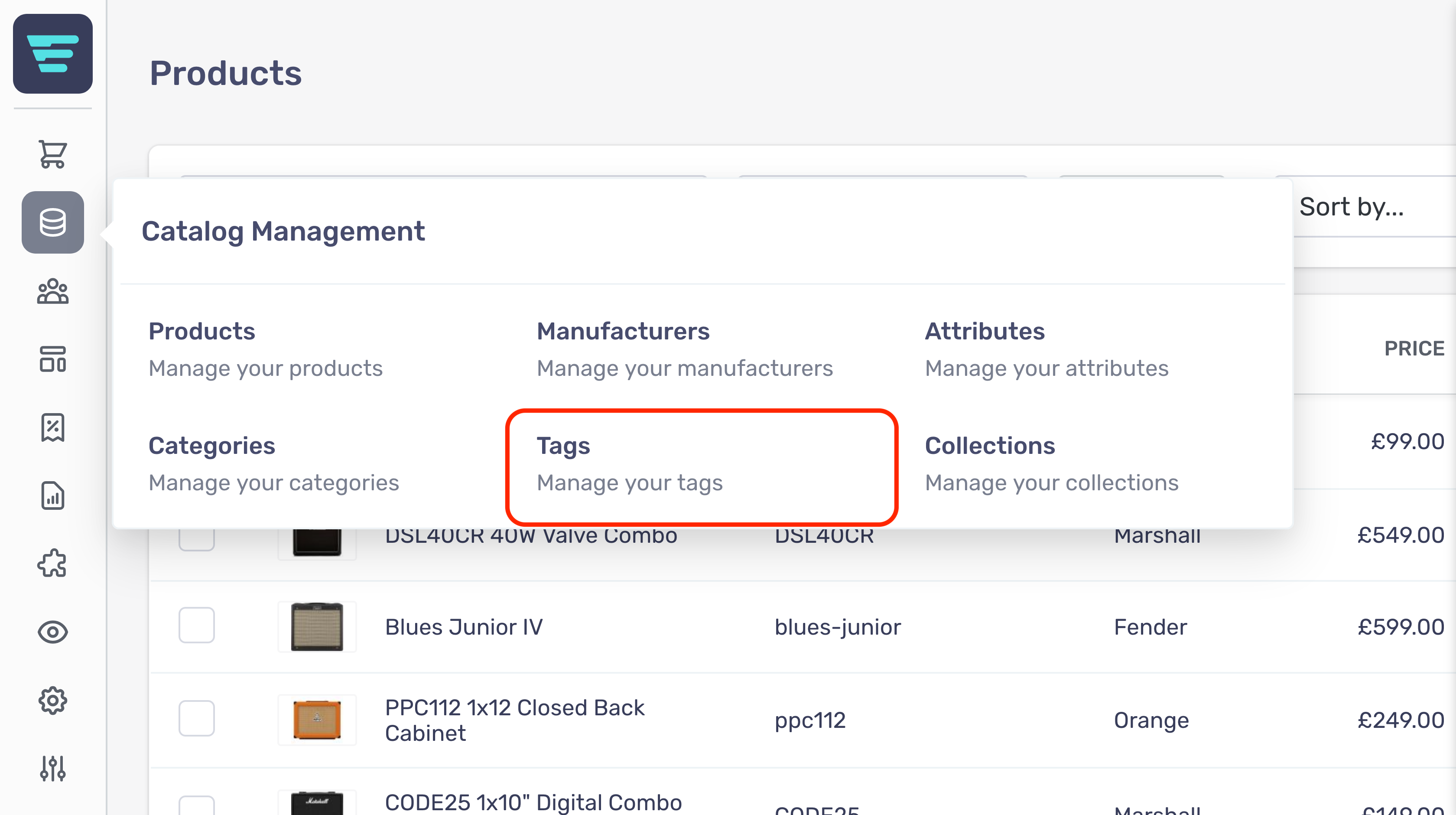
Tags · Revision #2 Where do I find my tags? Updated 2 months ago by Michael Price Where do I find my tags? Your tags are located in your Aero admin console. Step 1 - Hover over the Catalog Management button in the left hand menu Step 2 - Select Tags from the Catalog Management menu Enter section select mode ← PREVIOUS How do I create a new tag group? NEXT → How do I search my tags?