What is the categories list?
The categories list is nested, which makes it slightly different to other lists within Aero catalog management.
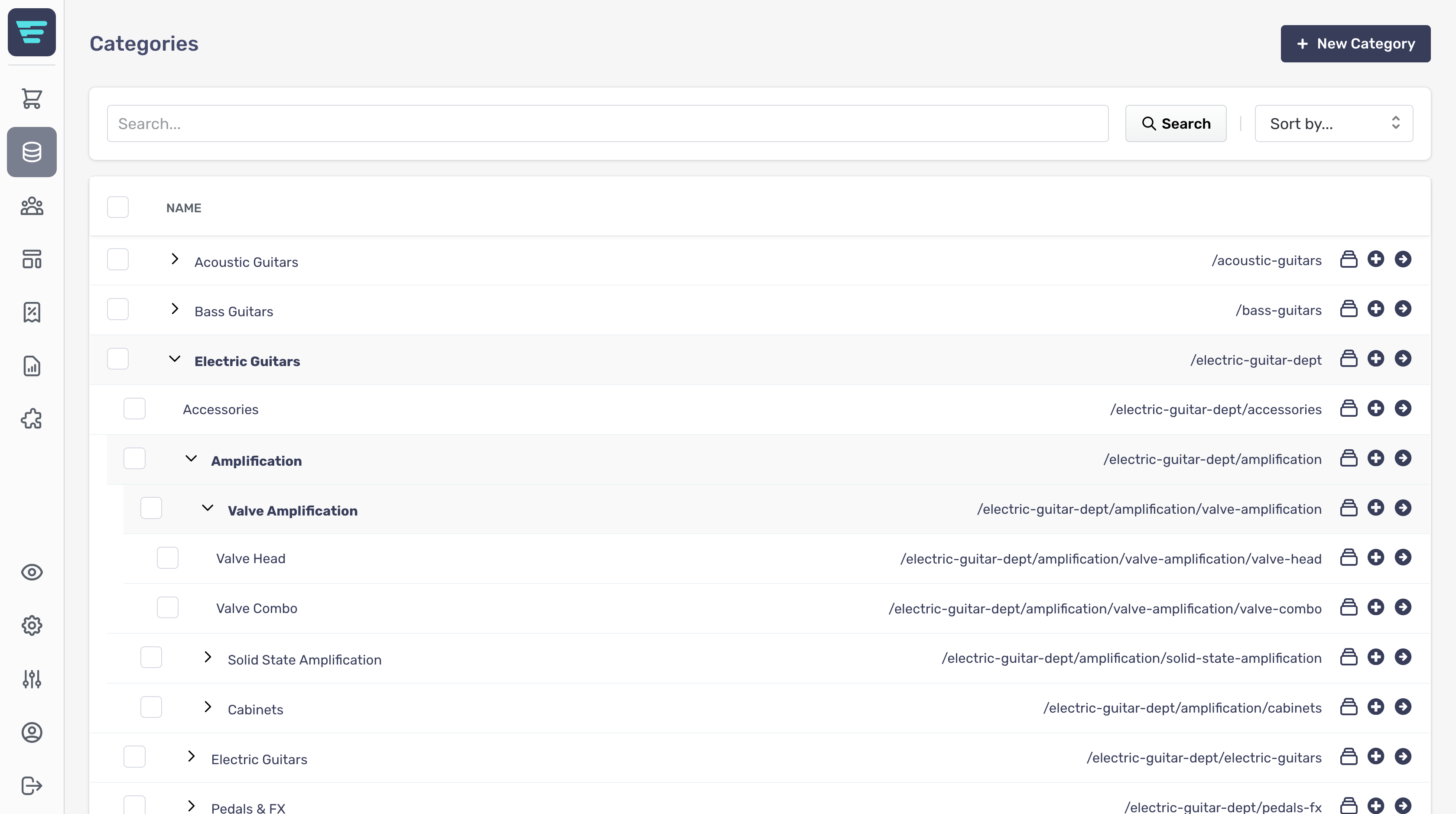
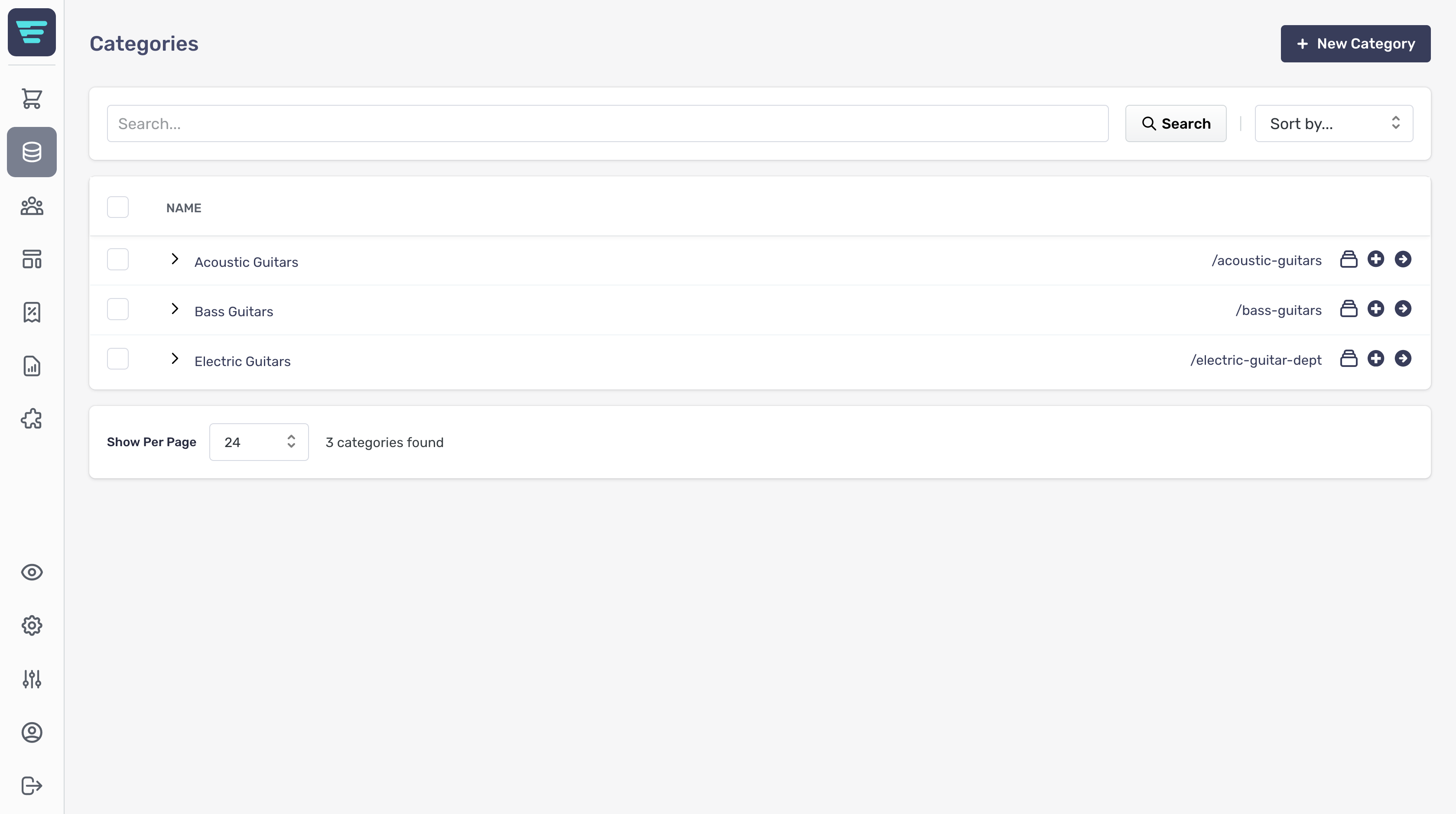
- To see child categories, click on the '>' to the left of the category name - To see the category details, click on the circular arrow icon or the name of the category
This is an example of a top level categories list;
This is an example of a category page with the some top level categories expanded;