
How do I perform bulk actions on products?
- Step 1 - Find your products using the search and filter options on the right hand side - Step 2 - Select products using the product checkboxes or the topmost select all checkbox
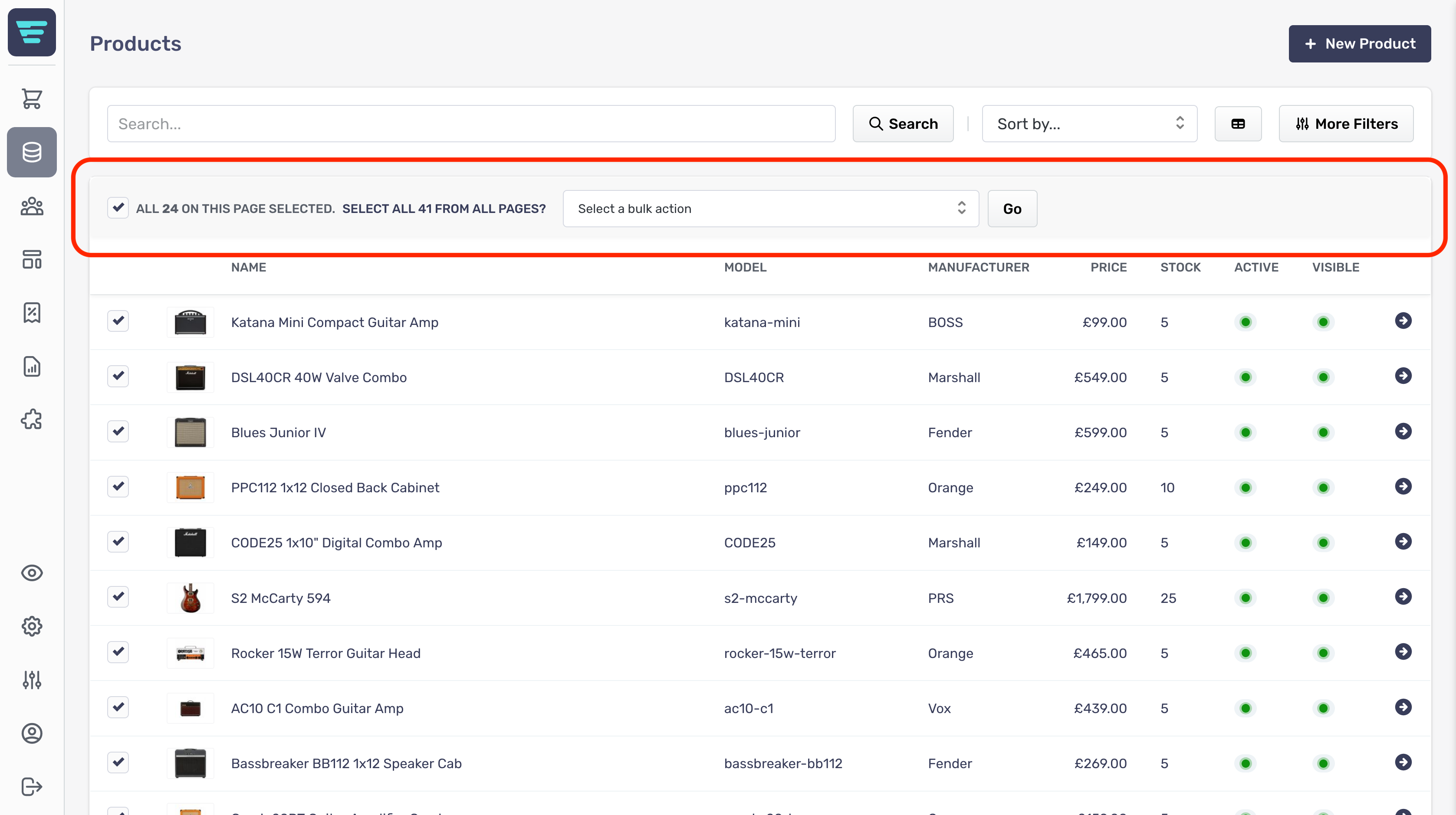
- Step 3 - Choose your bulk action from the drop down at the top of your product list - Step 4 - Click go - A confirmation tick will appear when your bulk action has been completed