Tags
· Revision #3
How do I delete a tag?
Deleting tags cannot be undone
- Step 1 - Login to your Aero Admin Console - Step 2 - Hover over the 'Catalog Management' icon in the left hand menu
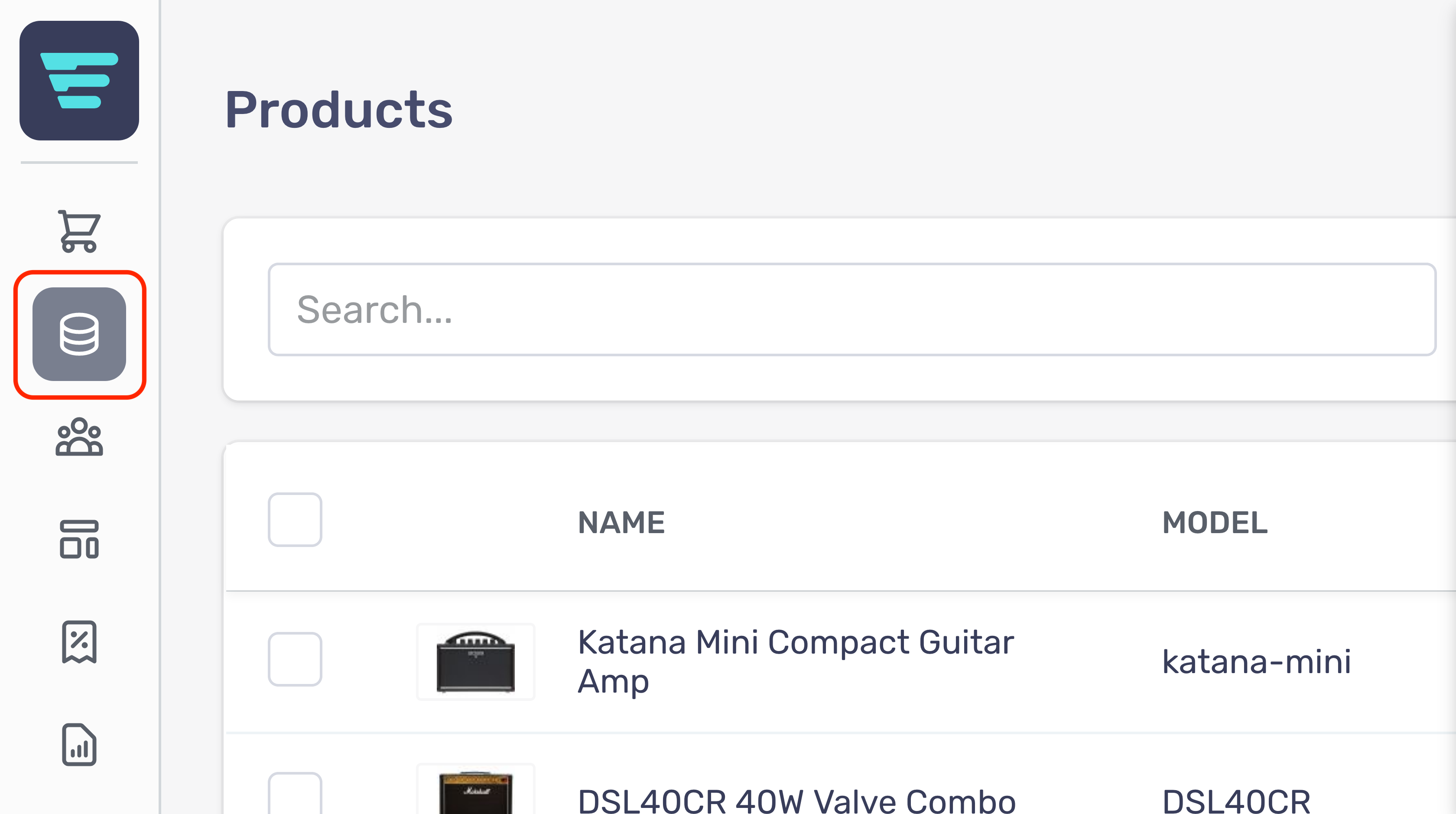
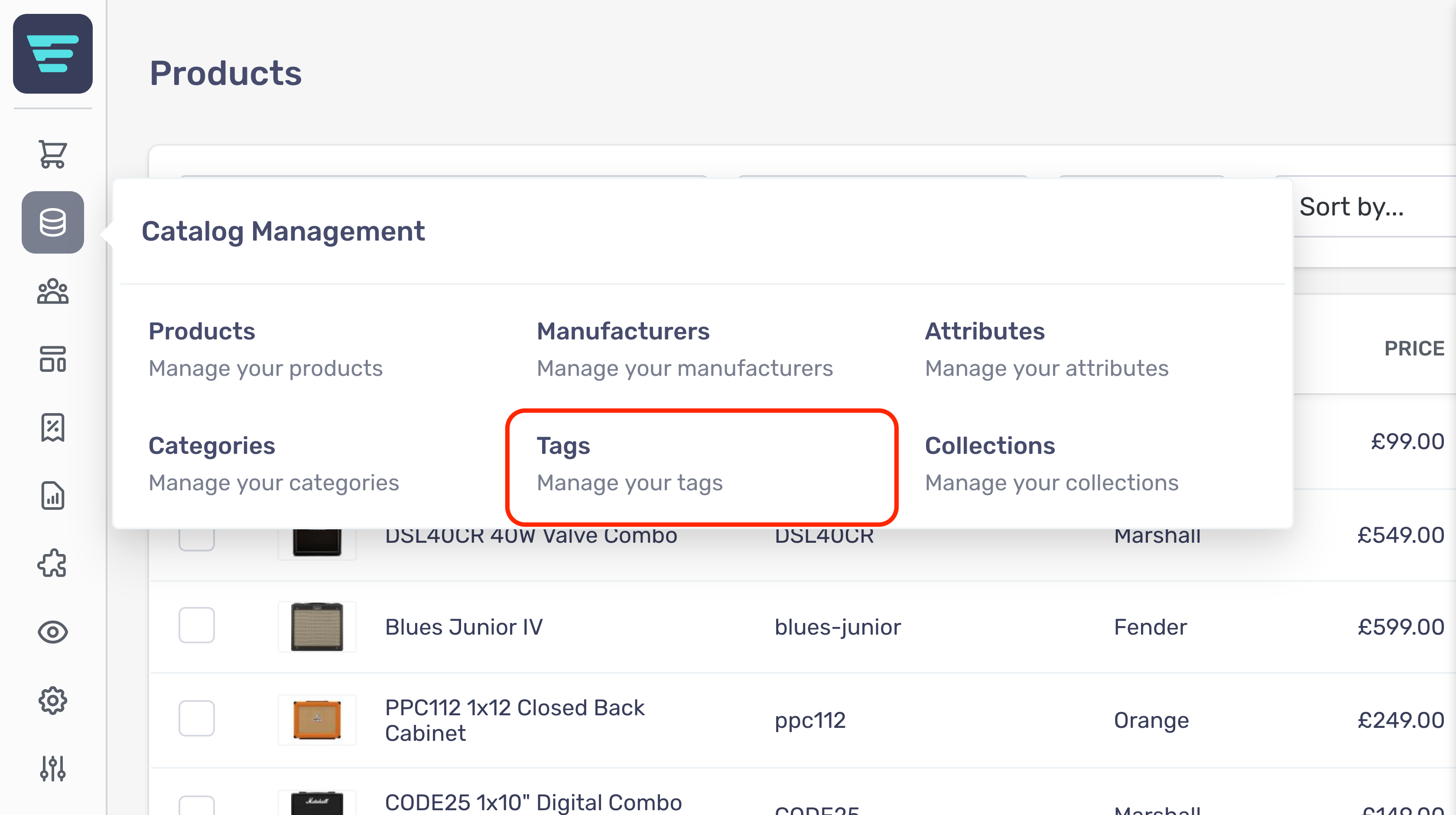
- Step 4 - Search for the tag group(s) you would like to delete (more information here; "How do I search my tags? - Step 5 - Click on the tag group name or arrow icon - Step 6 - Click the 'Bin' icon corresponding to the attribute you would like to delete

- Step 7 - Click go - A confirmation tick will appear when your bulk action has been completed